Build note
Route 20 Map and Road Guide: Plan the Stretch, Hear the Stories
Explore the Route 20 Map from Newport to Boston, plan a stretch, discover PDFs and experiences, and hear optional location-triggered road-guide audio.
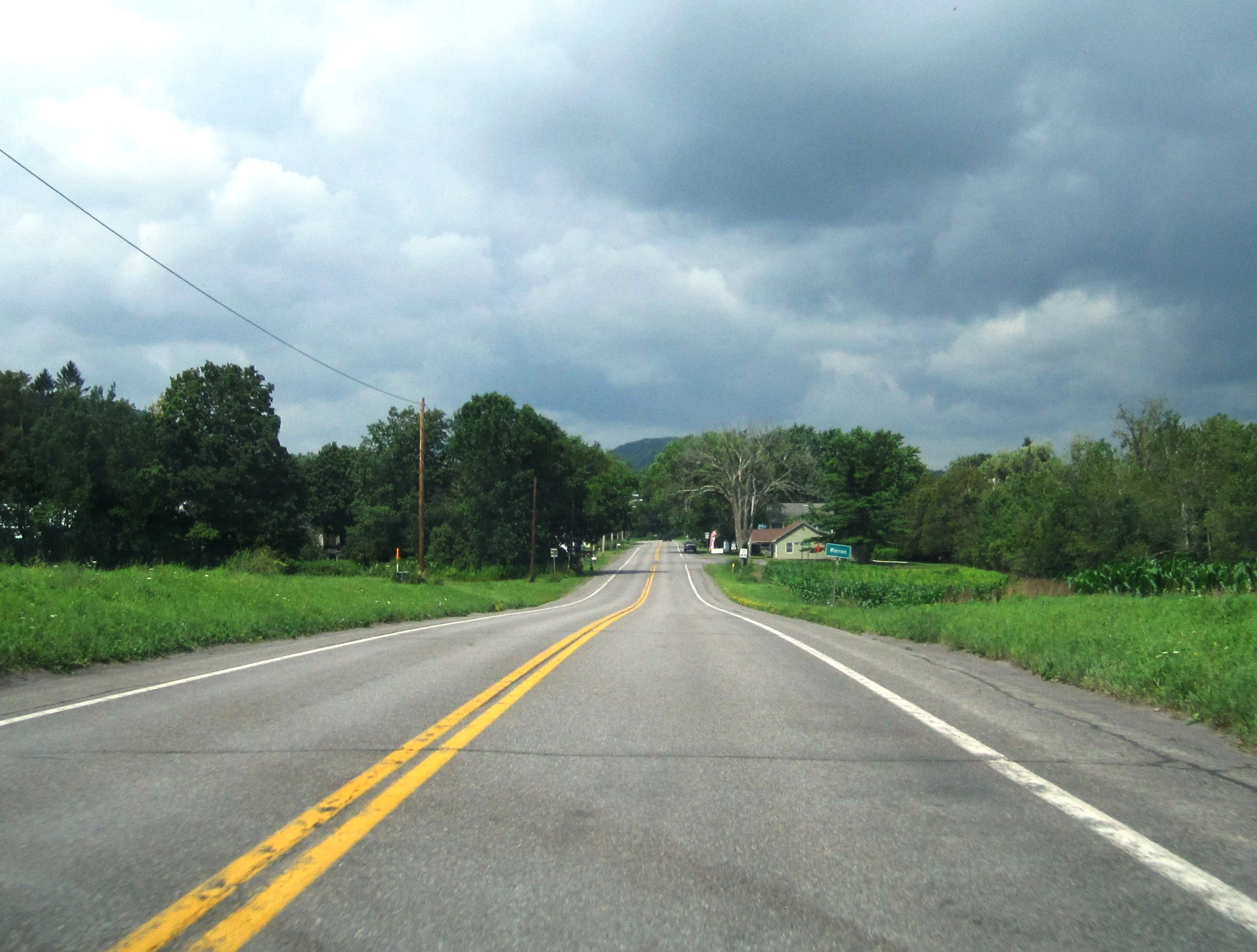
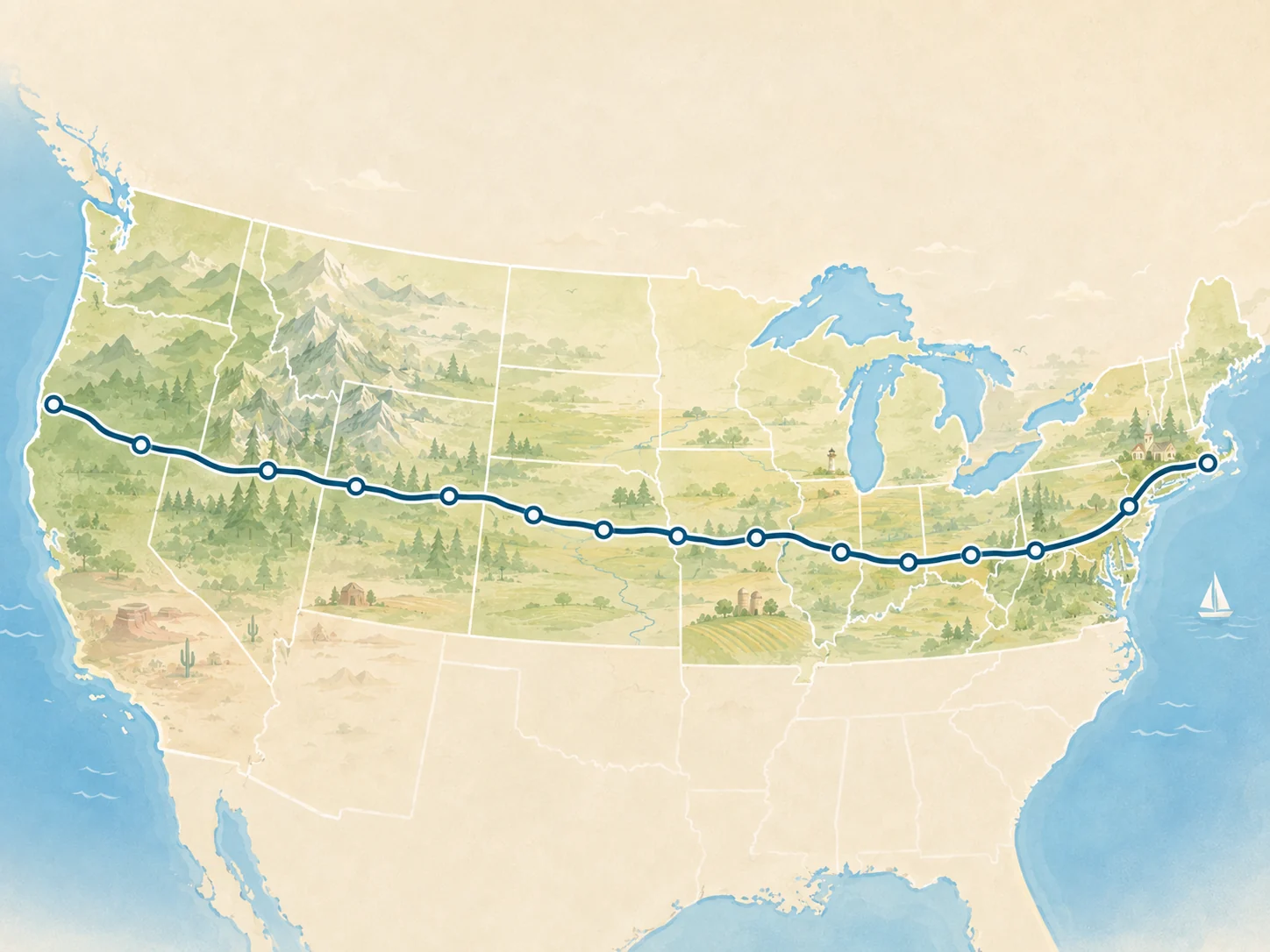
You do not need to drive every mile of U.S. Route 20 to discover something worth stopping for. Some travelers want the full Newport-to-Boston journey; others want a short section of the Berkshires, the Sandhills, northern Illinois, or the Finger Lakes. The new Route 20 Map is designed for both.
Start here: Open the interactive Route 20 Map, choose a start and finish, or use a quick-stretch preset. The Road Guide is optional and lets eligible short audio stories play as you approach selected places, subject to browser permissions.
Start with the stretch you want to drive
The map covers 166 Route 20 stops across the coast-to-coast planning corridor. Choose the two places that frame your trip, in either direction. You can copy the stretch link, inspect place markers, see route-relevant experiences, and browse downloadable travel artifacts without creating an account.
The map is a planning and discovery tool, not turn-by-turn navigation. Use your usual navigation app for driving directions, road closures, and live traffic.
Meet the Road Guide
A map marker can do more than identify a town. With the optional Road Guide enabled, the page can use your location while it is open to find nearby artifacts. Some artifacts are PDF first-timer guides. Others are short narrated introductions to the road and its places.
Our first audio stories featured Newport, Cody, Galena, and Kenmore. This release expands the library with 46 additional narrations—50 narrated stops in all—ranging from the Oregon Cascades and Yellowstone approaches to the Nebraska Sandhills, the Mississippi River, the Great Lakes, the Finger Lakes, and western Massachusetts.
These recordings are short introductions, not audio driving instructions. Some featured places are deliberate side trips rather than stops directly on the highway; the narration makes that distinction where relevant.
How to use the Road Guide
- Open the Route 20 Map and select the stretch you are interested in.
- Choose Start road guide near the map if you want location-aware artifacts and automatic narration.
- When your browser asks for location access, choose Allow if you want nearby discovery. The page uses location while it is open; the site does not store your coordinates.
- As you approach an eligible stop, the guide may offer or begin a narration. Its on-page player lets you pause or replay it. Some browsers restrict automatic sound; manual play remains available.
- Choose Turn off road guide whenever you want to stop location watching and automatic playback.
The Road Guide is opt-in. You can still browse artifacts, read transcripts, or open PDF guides without giving the page your location. Downloadable MP3s and PDFs open separately so you do not lose the map while planning.
Audio is only one part of the map
The artifact library includes separate first-timer PDF guides for selected towns alongside the expanded narrated collection. You can explore stops manually, follow the linked town pages, and look at experiences without switching on the Road Guide. Audio and PDFs remain separate choices, rather than hiding one inside the other.
For bigger-picture planning, pair the map with the Route 20 overview, state guides, and trip ideas. Choose one strong stop or overnight instead of trying to collect everything along a long drive.
Ready to explore?
Pick a stretch that fits your time, take a look at what is along it, and try a story when you are safely parked or have a passenger handling the controls. Do not interact with the phone while driving.